 Nidalumi
A reminder for each person: tasks you don't have to repeat out loud
The reminder goes to the person who has to do it, not to you to pass along in person. With a "Done" button and a summary of the day in the evening.
I'm an alarm clock on legs. "Backpack packed? Trash out? Did you take your pill?" By evening nobody hears me anymore, and I don't like this version of myself either.
An ordinary reminder app is built for one person: it rings for whoever set it. In a family that means it rings for you, and the job is someone else's. You get the alert, walk into the next room and say it out loud. There's a reminder app, sure, and you're still the one doing its job.
How reminders work in Nidalumi
It goes to the person it's assigned to. Every task has a person. When the time comes, they get the message — not you.
It arrives where that person already is. In Telegram or as a notification on their phone. The app installs from the site on Android and iPhone, or you can get by with just the bot.
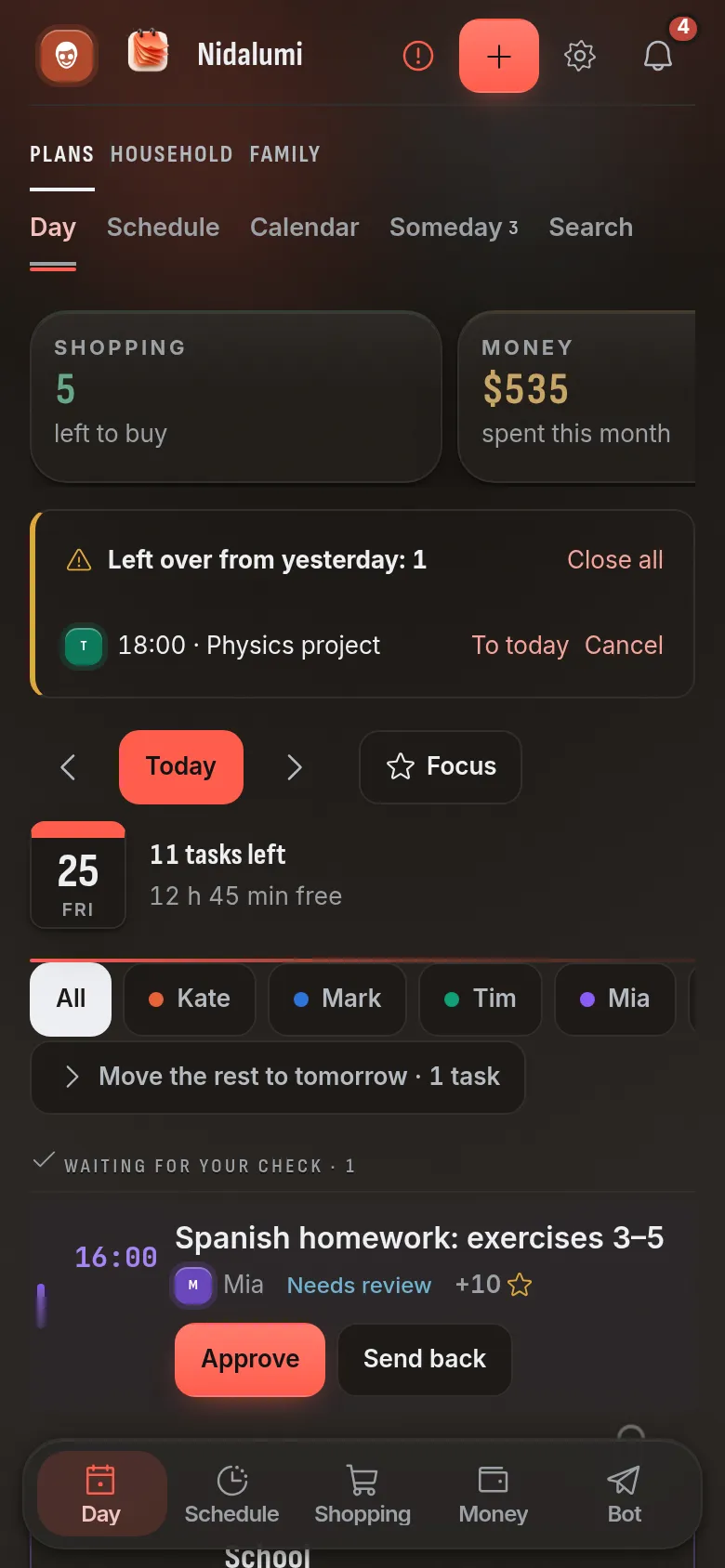
With buttons, not just text. "Done" — did it and marked it. "Postpone" — can't make it, I'll do it later. "On it" — I'm taking this one. The others see the answer, so nobody has to ask again.
What's not done doesn't get hidden. In the evening a summary of the day arrives: what got done and what didn't. It replaces the evening rounds of "so, did you do it?"
What you can set a reminder for
| What to remind about | How to set it up |
|---|---|
| Activities, sports, school | In the weekly schedule: day, hour, "Every week" |
| Trash, dishes, cleaning | As a rotation: it passes the chore to the next person by itself |
| Medicine | In the "Home" section: the time to take it, and the reminder goes to the person taking it |
| Utilities, subscriptions, a loan | As a recurring bill with a reminder |
| One-offs: a doctor, a form, a gift | As an ordinary task with a day and an hour |
| Pet food, a vaccination, car deadlines | In the "Home" section: pets and the car |
Anything that repeats is set up once. After that it lands on the right days by itself — without your "just a reminder, it's Tuesday."
Write it down in one sentence
A reminder that takes a long time to set up never gets set up. So you can write to the Telegram bot the way you'd write to a person:
- "pick up Emma from dance tomorrow at 6 pm"
- "take the cat to the vet Saturday at 10"
- "buy milk and bread"
It works out the day, the time and the person by itself. You can also send a voice message — it's transcribed on Nidalumi's own server and isn't stored. All of the same can be done on the site and in the app: the bot does exactly what the site does.
For the important ones: "Also remind"
Some things can't be missed: picking a child up from daycare, getting them to practice. For those a reminder has "Also remind" — a copy goes to the second adult. The task still belongs to the person it's assigned to; the other one is simply in the loop and can step in.
For kids and for older relatives
A child with a phone gets their own task with a "Done" button. Once it's marked, it goes to "Waiting for your check" — the parent looks and approves. For a small child without a phone, a parent marks it. Tasks can be tied to points and rewards — then the button means something to the child too.
Older parents get the reminder about their medicine themselves. You don't need to call and ask "did you take it?" — and nobody feels checked up on.
So reminders don't turn into noise
- Quiet hours. During that time the phone stays silent.
- Event or task. An event only reminds — "practice at 5:00." A task has to be marked done. Not everything has to demand a check mark.
- Each person gets only their own. Nobody sees a shared list of thirty lines, just what's assigned to them.
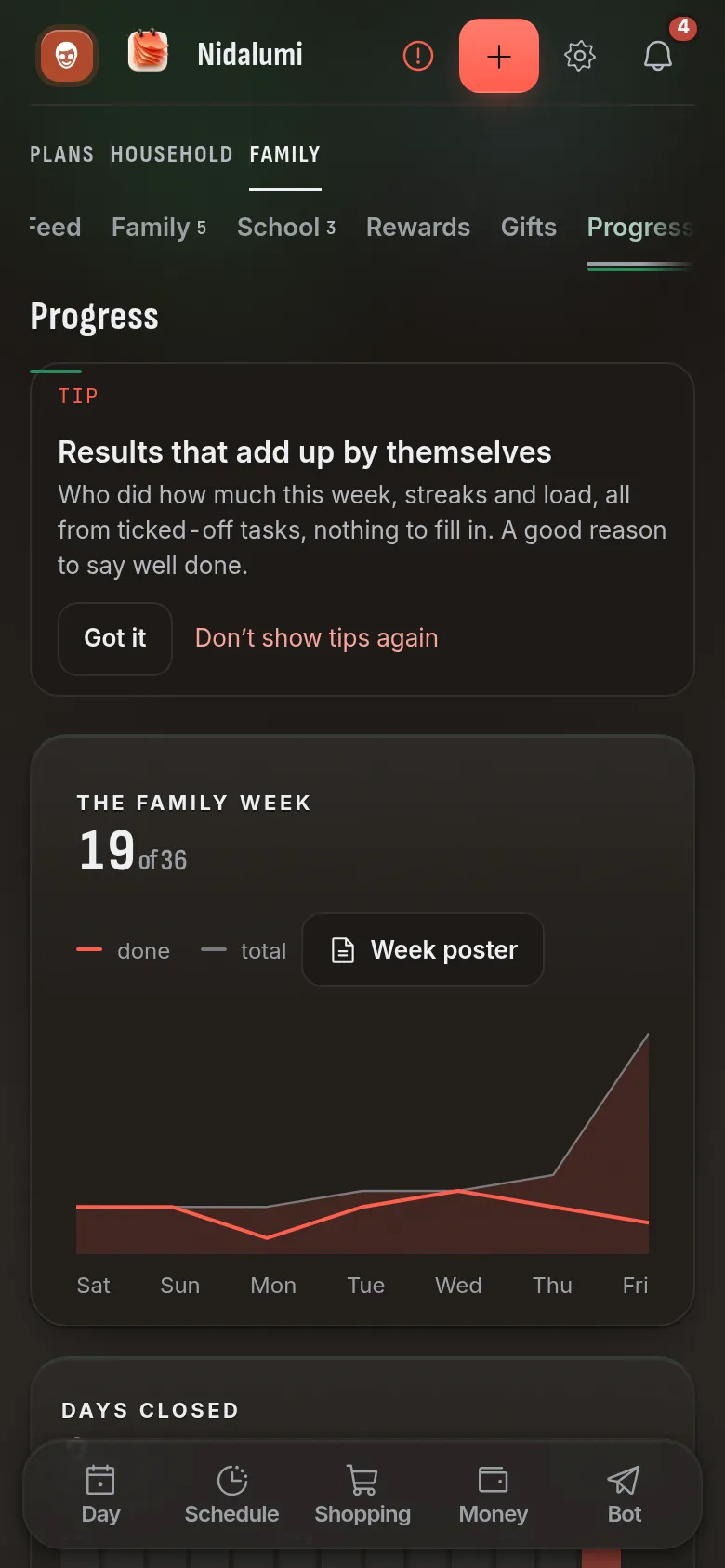
Nidalumi is a shared planner, and its reminders are connected to everything else: the kids' schedule, the chore rotation, shopping and bills. One place — and one habit instead of five.
Choosing a family app? Compare the best Cozi alternatives side by side.
Moving from FamilyWall? Here is a FamilyWall alternative where everyone gets their own reminder.
Questions and answers
Does everyone in the family need Telegram?
No. Reminders come either in Telegram or as a notification on the phone — the app installs from the site on Android and iPhone. The service also works in a plain browser.
What if someone gets the reminder and does nothing?
The task won't disappear: it stays undone and shows up in the evening summary. For important tasks you can turn on "Also remind" — a copy goes to the second adult.
My child doesn't have a phone. What then?
The task is assigned to the child, and a parent marks "Done" for them. Once they have a device of their own, the child starts marking it and the parent starts checking.
Won't the family get buried in notifications?
Each person gets only their own part. There are quiet hours, and anything that doesn't need checking off can be set up as an event — it simply reminds at the right time.
How much does it cost?
5 days free, no card. After that it's $3.99 a month or $35 a year for a family of up to four; each additional person is $1 a month.