 Nidalumi
Kids' schedule: school, activities and sports in one place
What time practice is, who's picking up and what to bring — in one place the whole family can see. Below: what to write down for each activity and a ready-made sample week.
I scroll through the family chat to find what time practice is. There are forty messages on top of it by now, memes, voice notes. It's easier to call and ask again, and that drives me crazy.
A child's schedule rarely lives in one place. Classes are in a screenshot from the school chat, swimming is in a thread with the coach, the tutoring time is in someone's head. One person knows all of it, and every "what time is it today?" goes to them.
The fix isn't a better memory, it's one table everyone can see.
What to write down for each activity
"Swimming, Tuesday" isn't a schedule yet. Nobody but you could get the child packed and there from a line like that. Every activity has five answers:
| Question | Example |
|---|---|
| What and where | Swimming, the rec center on Oak Street |
| Day and time | Tuesday and Thursday, 5:30–6:30 |
| Who drops off and who picks up | Dad drops off, Grandma picks up |
| What to bring | Swim cap, goggles, flip-flops, towel |
| When to leave | At 5:00 — it's a twenty-minute trip |
The last row is the most useful. The reminder isn't needed when the activity starts; it's needed the minute it's time to put shoes on.
A sample week for a school-age child
| Day | After school | Who drives | Pack the night before |
|---|---|---|---|
| Monday | 4:00 tutoring | close to home, no adult needed | notebook, textbook |
| Tuesday | 5:30 swimming | Dad | swim bag |
| Wednesday | nothing | — | — |
| Thursday | 5:30 swimming | Grandma | swim bag |
| Friday | 3:30 art class | Mom | folder, paints |
| Saturday | 11:00 chess | the adults take turns | — |
It's a sample, not a standard — put in your own activities. Two things are worth keeping: every line has an adult's name on it, and the empty day is written down as empty, or it quietly gets filled.
How it works in Nidalumi
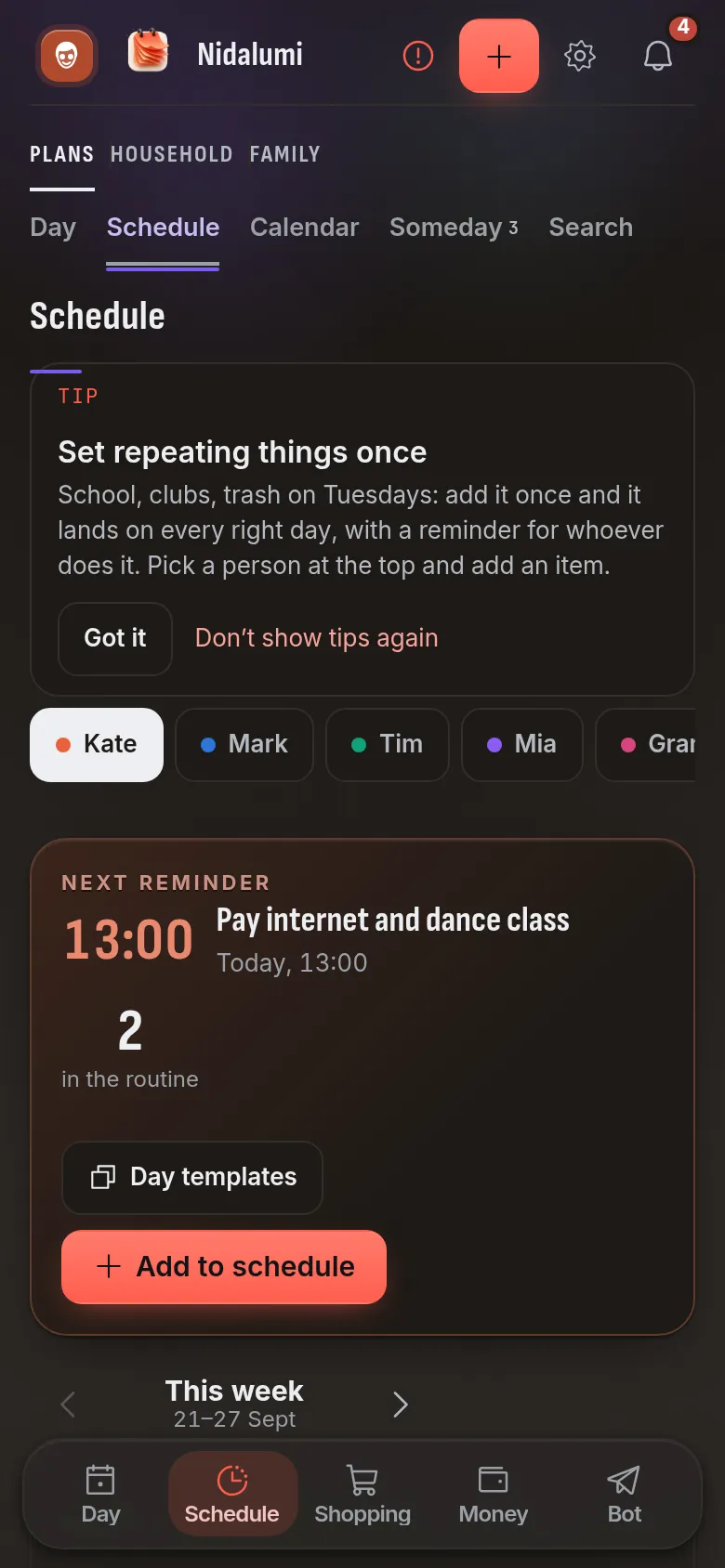
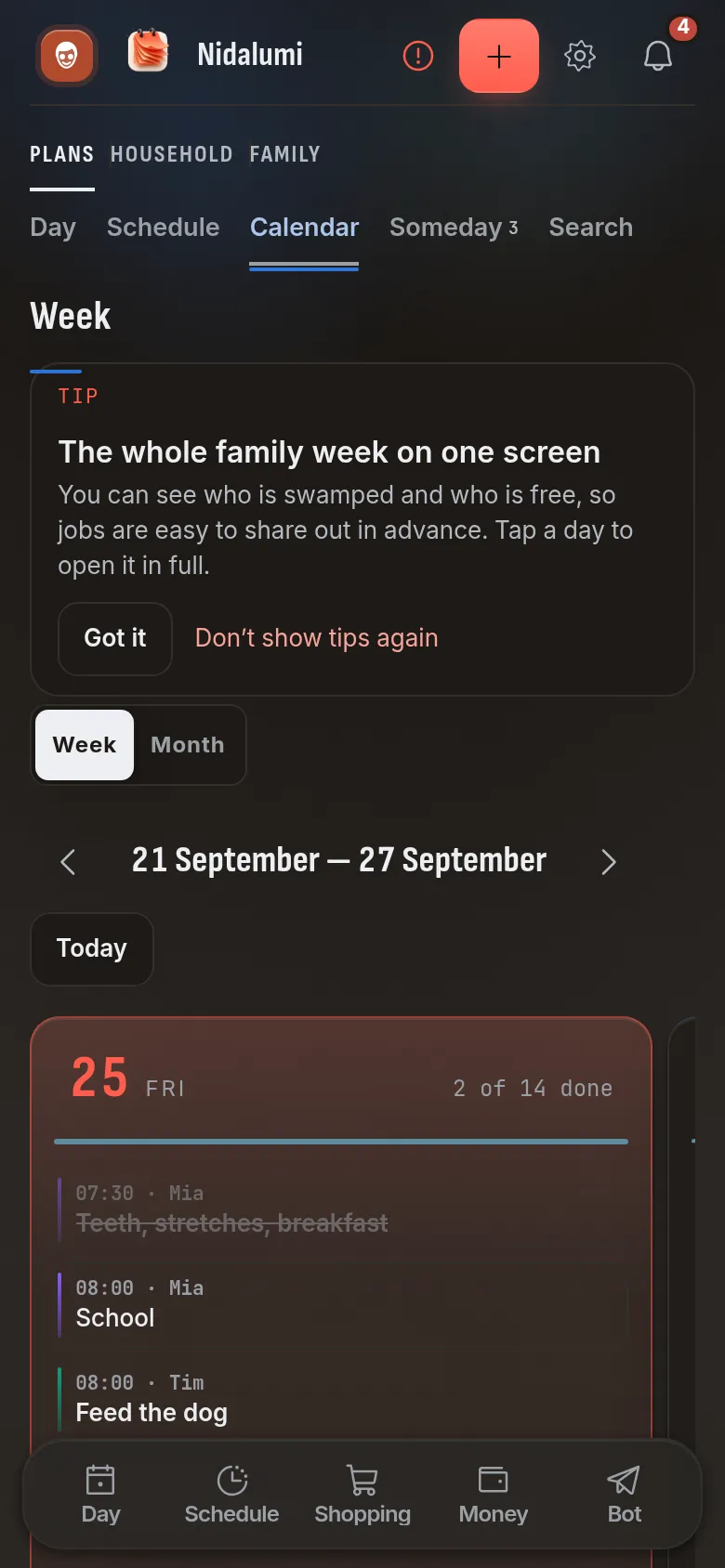
In Nidalumi the schedule is a week by day and hour, one for the whole family: on the phone, in a browser and in Telegram.
Every week or this week only. Tuesday swimming is set up once and lands by itself from then on. A reschedule, a substitute, an open house — mark it "this week only," and the regular schedule stays untouched.
Event or task. An event just reminds: "5:00, leaving for swimming." A task has to be marked done: "pack the bag," "do the reading." What's not done shows up in the evening summary and doesn't get hidden anywhere.
The reminder goes to whoever drives. It arrives for the person it's assigned to — in Telegram or as a notification on their phone. Want the second adult to know too? There's "Also remind": they get a copy.
Day templates. A regular school day can be saved as a template so you don't have to enter it again.
The school's or the club's calendar. If they keep their own calendar, you can subscribe to it — and see it next to the family one.
Add an activity in one sentence
A schedule that takes a long time to fill in doesn't get kept. You can write to the Telegram bot the way you'd write to a person: "pick up Emma from dance tomorrow at 6 pm." It works out the day, the time and the person by itself. One-off things go in the same way — a parent-teacher conference, money for the field trip, a project due Friday.
What the child sees
A child with a phone sees their own part: where to go today and which tasks are theirs. The task has a "Done" button, and a parent checks it. For a small child without a phone, a parent marks it.
From there it's a short step to calm packing: when the swim bag is a written-down task for the evening before, the morning goes by without "where are your goggles?"
Where to start
- Write down all of your child's activities for the week — with school and travel time.
- For each one, note who drops off, who picks up and when to leave.
- Set "Every week" and invite the second adult — the reminders will start reaching them too.
If there's no schedule yet and the day is still taking shape, start with the sample daily routine for school kids.
Questions and answers
Can we keep a schedule for several kids?
Yes. There's one schedule per family, and each activity has its own child and its own adult who drives or picks up. You see the whole week at once — including the days when two kids are busy at the same time.
What if an activity was moved for this week only?
Set it up marked "this week only." The regular schedule doesn't change, and next week everything lands as usual.
My child doesn't have a phone. Is the schedule still useful?
Yes. The reminders go to the adults who drive and pick up, and a parent marks the child's tasks for them.
Does everyone need Telegram?
No. The schedule works in a browser and in the phone app, which installs from the site. The Telegram bot is for those who find it easier there.