 Nidalumi
Why everything gets lost in the family group chat — and what to use instead
A chat is a feed, and family life is a table. Below: what exactly sinks in the messages, what to keep in the chat, where to move the rest, and how to switch in one evening.
I scroll through the family chat to find what time practice is. There are forty messages on top of it by now, memes, voice notes. It's easier to call and ask again — and that drives me crazy.
Nobody chose the family chat as a system. It was just there: everyone's already in it and typing is easy. The trouble is that a chat is built for conversation, and it's being used as a schedule, a shopping list and a task board all at once.
The short answer
What gets lost in a chat is anything with a deadline, an owner or a "done / not done" state. A chat can't hold any of the three. Keep the conversations in the chat and move those three things to a place built for them.
| What gets posted | Why it gets lost there | Where it belongs |
|---|---|---|
| "Practice Thursday at 5:30" | Scrolled out of sight a day later | The weekly schedule |
| "Who's picking up Emma?" | Two people answered, or nobody | A task with a name and a time |
| "Get bread and cat food" | No telling whether it was bought | A shared list with a "bought" mark |
| "Pay the internet bill by the 10th" | Nobody reminds anyone on the 9th | A bill with a reminder |
| A photo of a form or an insurance card | Can't be found a month later | Documents |
| "Grandma's birthday is the 14th" | Remembered on the evening of the 13th | The calendar |
Four reasons a chat can't cope
1. A chat is a feed; a schedule is a table. A feed shows the latest. A schedule has to show the relevant: "what do we have on Thursday." To answer that in a chat you have to scroll and piece it together in your head.
2. Everything is mixed together. A meme, "get milk," a voice note from Grandma and the time of the parent-teacher conference all look the same. The important thing is no different from a joke — except that the joke gets noticed.
3. A chat doesn't remind anyone. A message on Monday won't turn into an alert on Thursday at five. A person will have to do the reminding — the same person as before, only now in writing.
4. "Read" doesn't mean "I'll do it." A message has no owner and no "on it" button. Sent to everyone means sent to no one. Hence "I thought you were picking her up."
A pinned message doesn't save you: there's one of it, it lasts until the next pin, and it doesn't update when the schedule changes.
What to keep in the chat and what to move out
| Keep in the chat | Move out of the chat |
|---|---|
| Conversation, news, "how's it going" | Anything with a time and a date |
| Photos, jokes, voice notes for Grandma | Anything someone has to do |
| "Leaving now," "running late" | Shopping |
| Talking over where to go this summer | The outcome: the dates, who books what |
| An urgent "call me" | Money, bills, paperwork deadlines |
A one-line rule: discuss in the chat — write the outcome down separately. Agreed on Grandma's at noon on Saturday? That's not a message anymore, it's an event.
What to replace it with: five questions for any method
The method can be anything — paper, a whiteboard, a calendar, an app. Test it with five questions:
- Can everyone see it, from a phone and not just at home?
- Does every task say whose it is?
- Does it remind by itself — and remind the person who has to do it, not you?
- Can you tell that a task is already done or an item already bought?
- Is it easy to add something in ten seconds, on the go?
A whiteboard on the fridge passes the first question only at home and fails the third. A shared calendar answers "what time," but not "who's got it" or "did anyone buy it." Notes on a phone are seen by one person. The more "no" answers, the more stays in your head.
How to switch in one evening
- Scroll back through two weeks of chat. Write down everything about times, shopping and "who's doing it." You'll get an honest list of what the chat is being used for that it wasn't built for.
- Sort it into three piles: repeats every week (activities, practices, trash), one-offs with a deadline (doctor, a form), shopping.
- Set up the repeating things first. They make the most noise in the chat and give the most back once they're moved.
- Hand out names. One person per line. How to divide things without a fight is in the article on how to split household chores.
- Announce the rule. Briefly, no ceremony.
For the first week the old habit will pull everyone back. That's normal: typing in a chat is easy. So the new place can't be any harder than the chat — or nobody will go there.
If the family doesn't want to leave Telegram
Then don't leave. Nidalumi has a Telegram bot, and you write to it the way you wrote in the chat: "pick up Emma from dance tomorrow at 6 pm" or "buy milk and bread." It works out the day, the time and the person by itself. The difference is what happens next: the sentence doesn't scroll away, it becomes a task with an owner or a line in the shared shopping list.
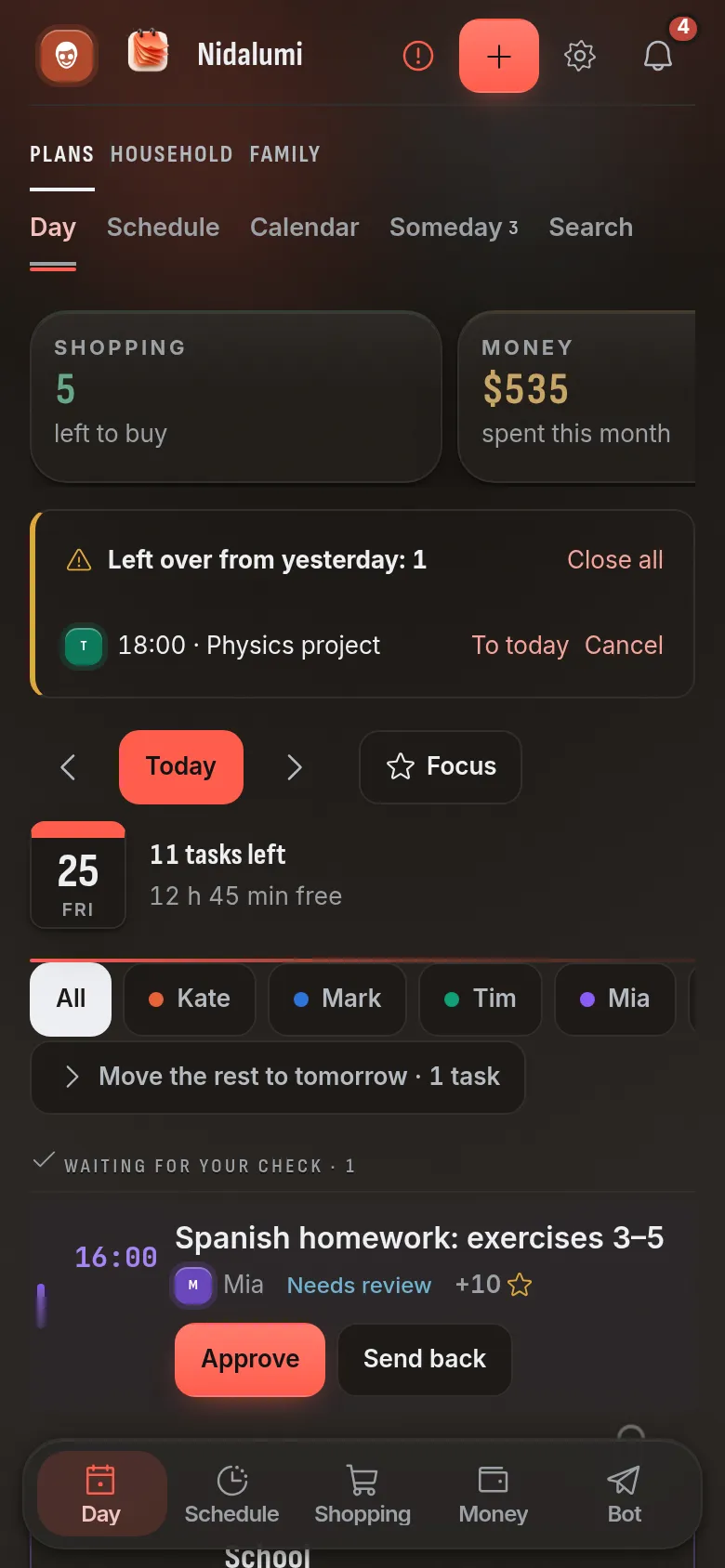
The reminder goes to the person it's assigned to, with "Done," "On it" and "Postpone" buttons. Activities and sports sit in the weekly schedule and repeat on their own. In the evening there's a summary of the day: what got done and what didn't. The bot does everything the site and the app do, so part of the family can stay in Telegram while the rest use the calendar on their phones.
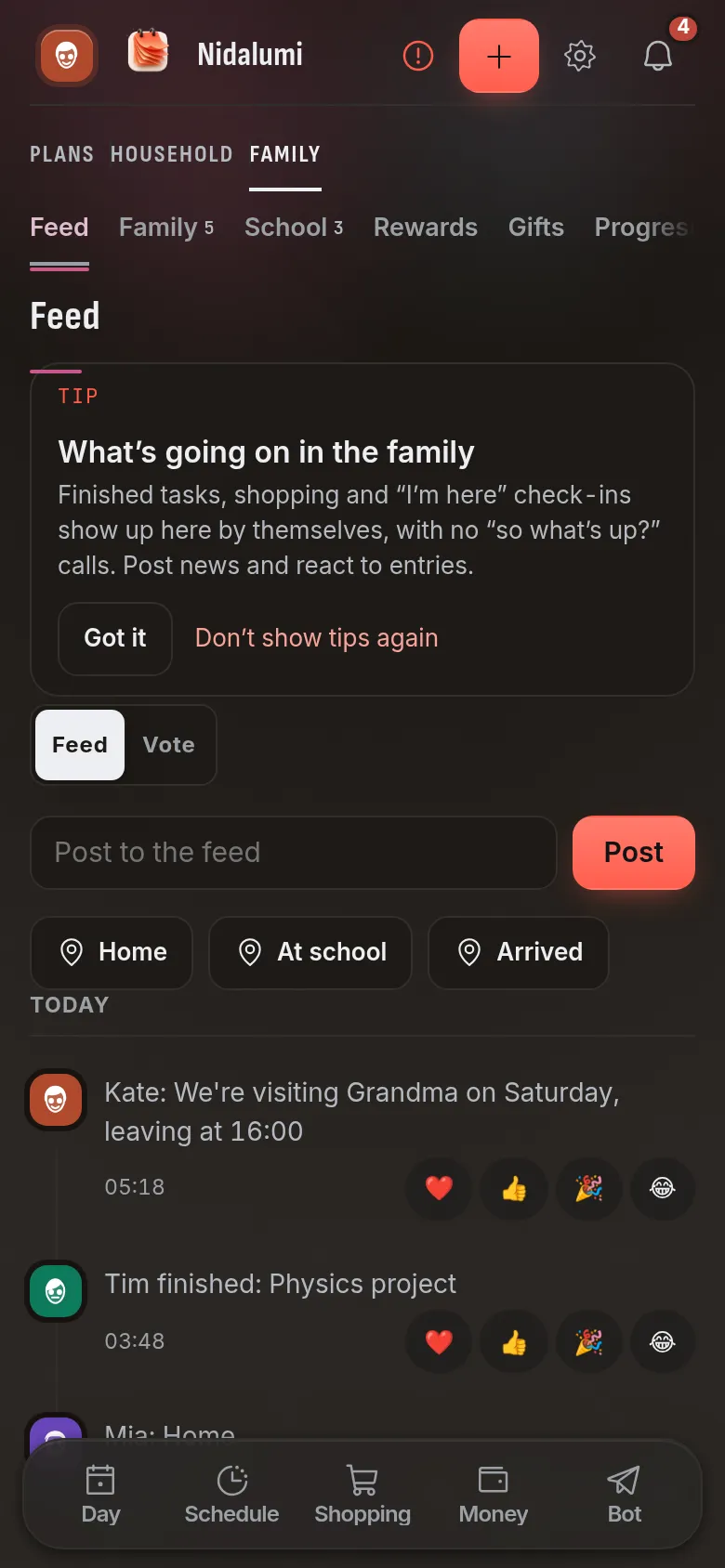
And the family chat goes back to being what it should be: a place where people talk.
How it works in Nidalumi: Family Planner in Telegram.
Questions and answers
Do we need to delete the family chat?
No. A chat is good for talking, photos and "leaving now." Only the schedule, tasks, shopping and deadlines need to move out — the things that have to remind and get checked off.
What if we just pin the schedule in the chat?
There's one pin and it doesn't change by itself. When practice time moves, someone has to rewrite and re-pin it, and that "someone" is usually the same person. Besides, a pin doesn't remind anyone.
The family doesn't want to install yet another app. What do we do?
Look for a way that lives where everyone already is. A Telegram bot needs nothing installed: a task arrives as a message with buttons. And you can start with just one thing, like the shopping list.
Who's supposed to keep all this up?
The move on the first evening is usually done by one person. After that the rule is "whoever asked writes it down" — otherwise you end up as the secretary of the list.
How this guide was made: written by Christopher Clark, who builds Nidalumi. We update it when the advice changes.